
M3 Diffusion
M3 Diffusion: a lens diffusion filter in a node
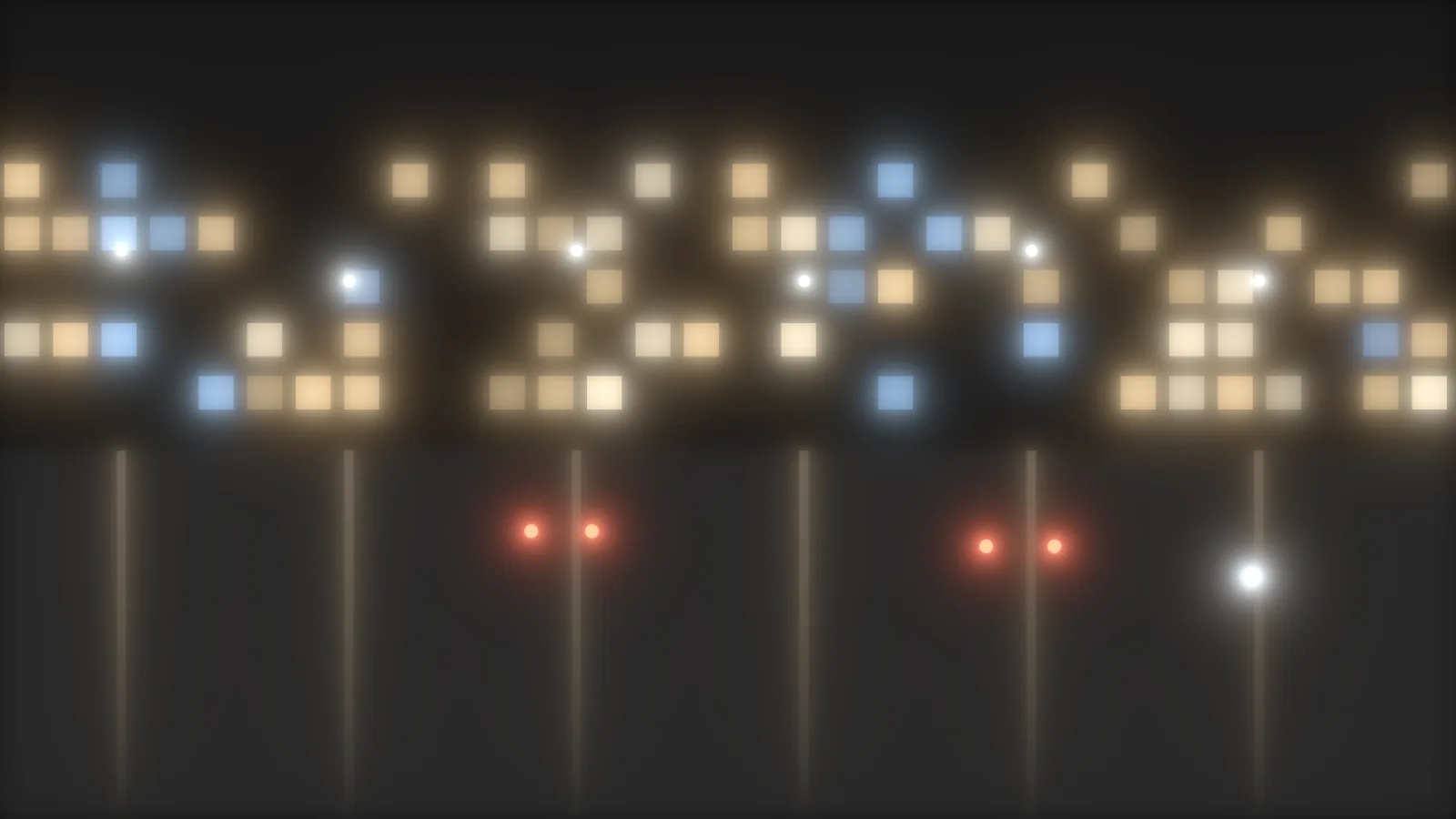
An OpenFX effect for DaVinci Resolve. It scatters bright light into a soft veil, the way a filter on the front of the lens does. Put it first in the tree.
- Six profiles: Glow, Mist, Fog, Sparkle, Bloom and Custom.
- Light, Medium and Heavy strengths, each its own shape.
- A veil that spreads red wider than blue, with a Black Mist control to neutralize it.
Price
$19 once
Mac and Windows. The download email has both installers.
Buy for $19 →Secure checkout by Stripe.
What does M3 Diffusion fix?
-
Glow nodes that blur everything.
A blur softens the whole picture. A diffusion filter only scatters the light.
How M3 Diffusion handles itThe veil comes from the bright areas and takes its color from the light around them.
-
Halos that look the same in every color.
A flat glow reads digital.
How M3 Diffusion handles itRed spreads a little wider than blue, so the edge runs warm and the core stays cooler.
-
A filter that lands after the glass.
In the wrong order the veil never passes through the lens and halation never sees it.
How M3 Diffusion handles itM3 Diffusion goes first in the tree, ahead of M3 Glass and M3-Film.
Questions people ask
How do I add diffusion to footage in DaVinci Resolve?
Put M3 Diffusion on the first node, pick a profile and raise Intensity until you can see it. Set Focal Length to the lens you want to imitate.
Is there a lens diffusion plugin for DaVinci Resolve?
M3 Diffusion does the job of a front filter: a soft veil around bright light. Its six profiles are Glow, Mist, Fog, Sparkle, Bloom and Custom.
Does M3 Diffusion work on Windows?
Yes. The download email has a Windows link next to the Mac one. The Windows version is new, so write to info@monolith3.studio if anything looks off.
Is M3 Diffusion affiliated with Blackmagic Design?
No. DaVinci Resolve is a trademark of Blackmagic Design. M3 Diffusion is an independent effect from Monolith3, and Blackmagic doesn't make or endorse it.